Raspberry Pi 5
The Raspberry Pi 5, released in 2023, is significantly more powerful than the Pi 4. The 2.4GHz CPU and 800MHz GPU (both easily overclockable) allows for reliable fullspeed emulation up to and including the sixth generation of home consoles (N64, PS1, Dreamcast).
Thus, it is a strong candidate for a compact emulation machine.
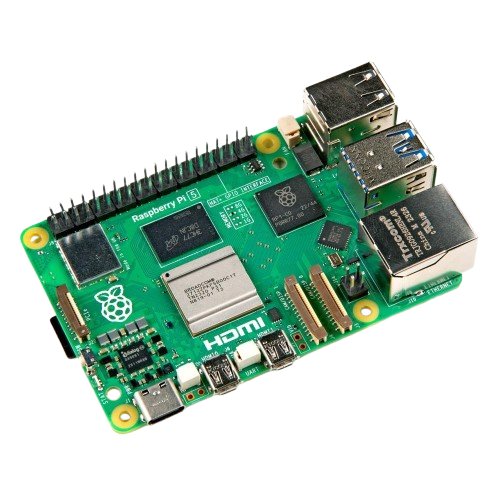
My goal with my Pi emulation setup was to create:
- an extremely comprehensive systems & games library; to have a complete gamelist for as many systems as possible
- a clean interface
- a physically professional-looking system.
Pironman 5 case
The Pironman 5 case is, in my view, the best case you can get for the Pi.
It does have a correspondingly high price of around £65.
Critically, this case supports an NVMe drive and multiple fans. As a nicety, it has a little OLED display that shows CPU & mem usage, CPU temperature, and the Pi’s local IP.
I’ve installed mine with a 2 terabyte SSD, which is plenty for the romsets I have downloaded.
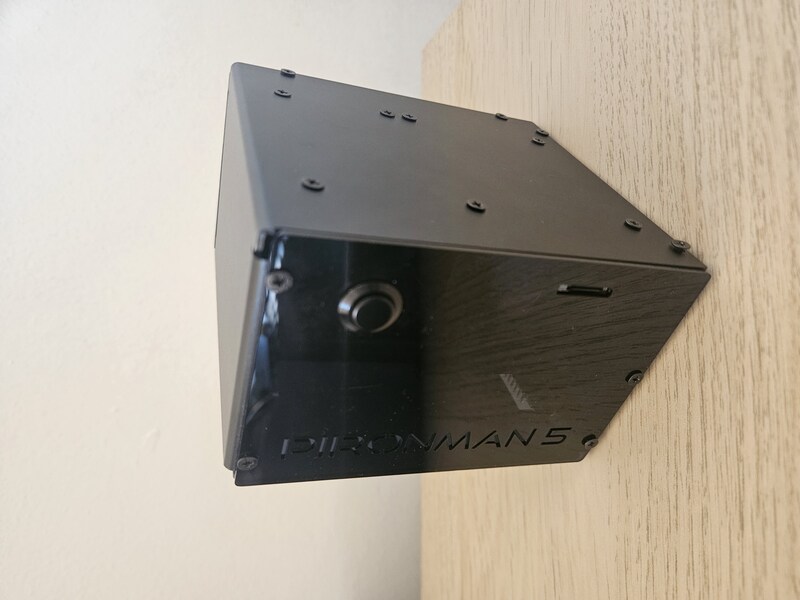
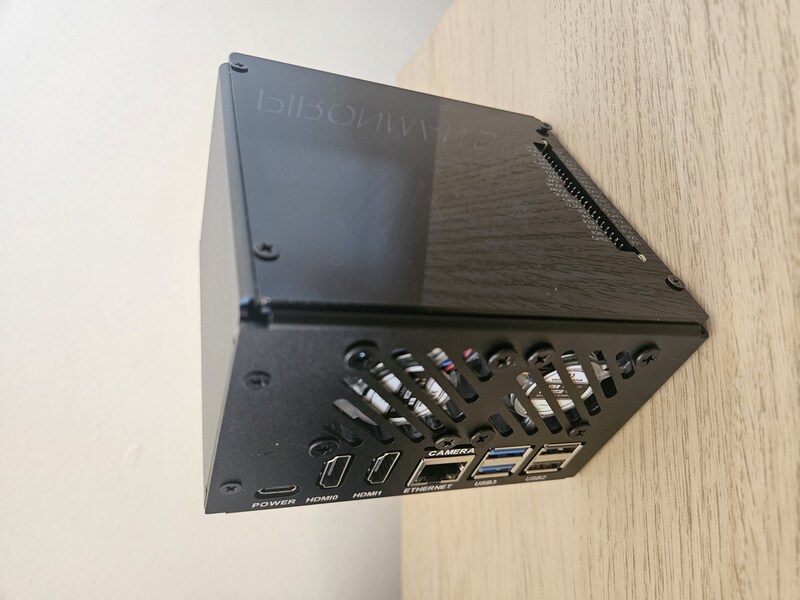
The fans keep the system nice and cool, though arguably are a bit overkill as emulating most retro systems isn’t exactly the most demanding task. Still, in theory it helps prevent thermal throttling if, say, running upscaled N64 games and the like.
Obtaining games
As stated, I want the most comprehensive possible games library, ideally covering every home & handheld system that the Pi is capable of running.
Batocera is the linux distro I chose; it requires little-to-no setup, and emulators come pre-configured. While I do regret choosing batocera (for reasons discussed later), they have a nice list of supported systems that helps with tracking the different systems to get games for.
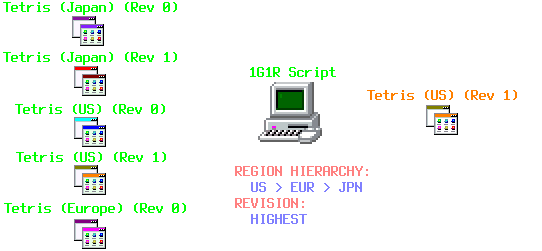
Complete romsets for most consoles can be found on archive.org. A full romset contains every revision and region for each game - this is of course very wasteful in terms of storage, and clutters the gamelists.
The goal is instead to get “1G1R” (one game, one rom) romsets, where each game is represented by its most “ideal” rom (i.e. preferred region if possible, and in the latest revision).
A python script exists to achieve exactly this; to ’trim the fat’ from our romsets. A tutorial can be found here.
For arcade (MAME) games, I used a slightly different process: the website arcadeitalia lists games MAME supports, and allows you to filter games to a specific mame version, and to filter out ‘clones’ of ‘parent’ games.
Then, I exported this filtered list as a text file of filenames, downloaded a MAME romset for the version of MAME I wanted, and removed files whose name does not appear in the text file.
For systems like the Nintendo DS, where there are both a LOT of games (many of which being shovelware) and the games are relatively large, I’d recommend not going for a comprehensive set, but instead find or create a hand-curated, but still expansive, collection of games.
Pi software setup
Batocera supports the Pironman case out-of-the-box, though you have to enable it. This allows you to tweak the fan settings and other such stuff.
Once you’ve obtained the games, uploading them to the Pi can either be done through an SSD-USB enclosure device, or via SSH.
Scraping is an essential part of making an appealing interface; this means downloading thumbnails, descriptions, metadata (like release year, genre, developer, …) and/or manuals for each game, so that they are viewable from the UI. Again, Batocera makes this very easy.
Any retro-gaming linux distro will allow downloading different themes to suit your taste. Personally I just want a clean and unobtrusive look.
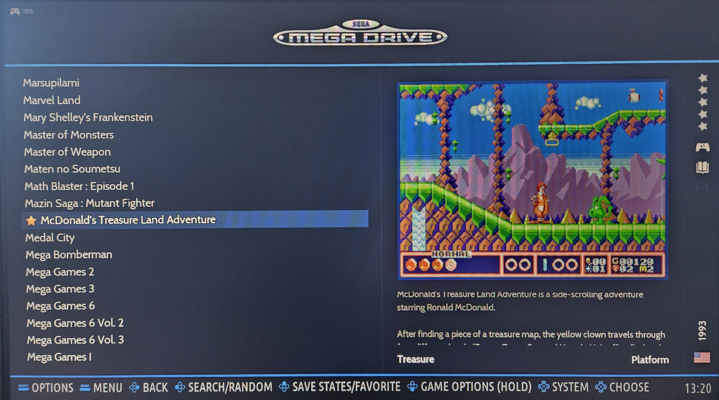
(excuse my lack of a capture card… :P)
Shortcomings
-
Batocera has several limitations that I have found frustrating, and so I will be switching to an alternative like RetroPie later.
Namely, adding your own programs and emulator cores is needlessly difficult. It’s a very closed-off feeling environment. I suppose that is the price paid for everything “just working”.
For instance, an update dropped the DeSmuME emulator; now there is no NDS emulator that supports upscaled 3D, in my opinion a critical feature for any emulator for a 3D system.
Furthermore, there are some systems (e.g. the Casio Loopy) that I haven’t been able to get to work, and others (e.g. the Super A’Can) that I did get to work, but were broken after a Batocera update. It’s worth noting that these are highly obscure systems, but as comprehensiveness is a primary goal, Batocera makes this a headache. -
I’ve also found Batocera to work poorly with audio output (it seems to not find audio devices sometimes - it’s very inconsistent).
-
Currently I do not have retro computer game libraries, partially because they are more difficult to configure on account of binding controls, and partially because the computer systems I have tried don’t seem to work well with the cores Batocera provides.
-
Ideally, I’d have not just retro games, but also some linux-native games like Balatro.
Videogames!
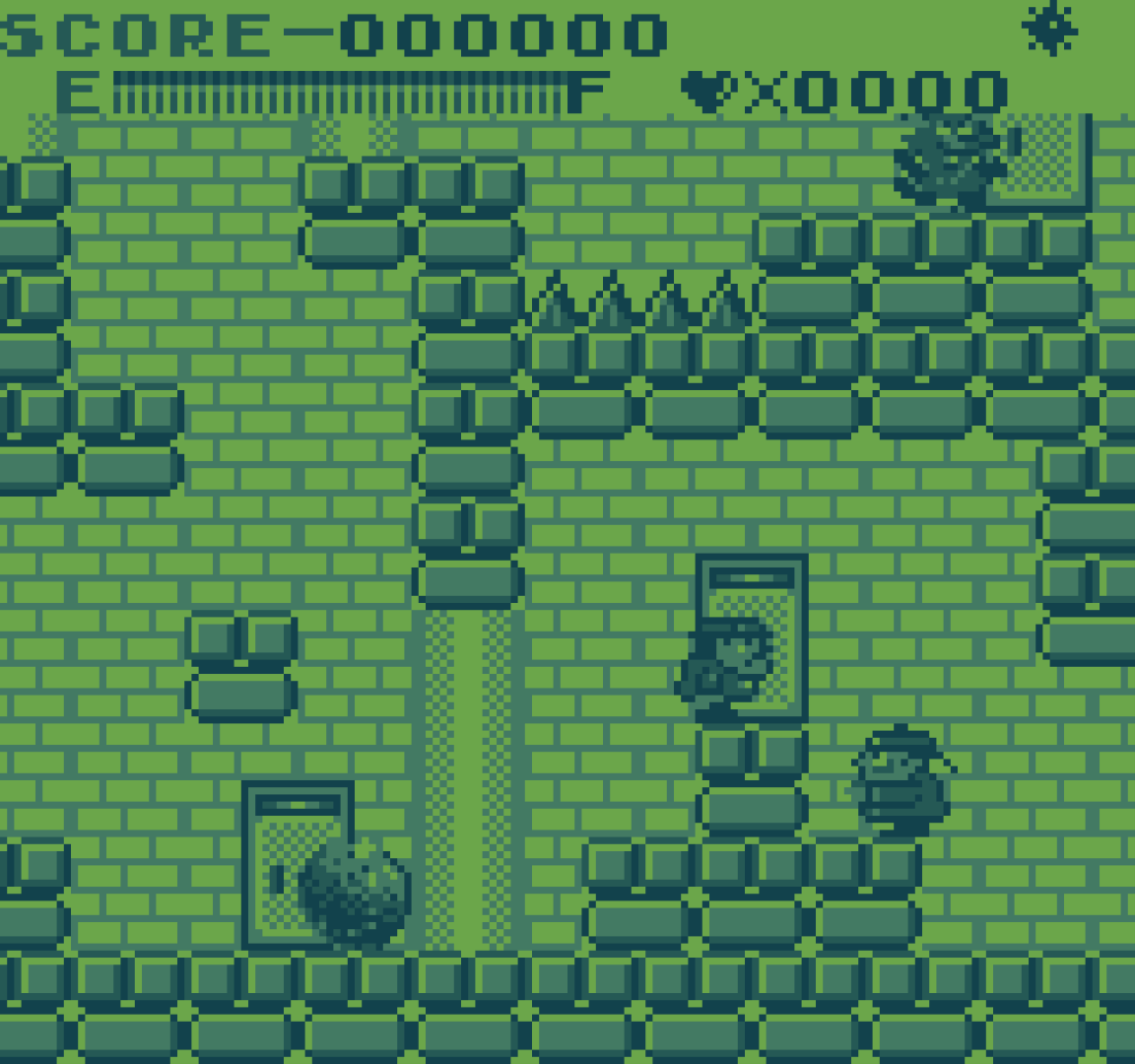
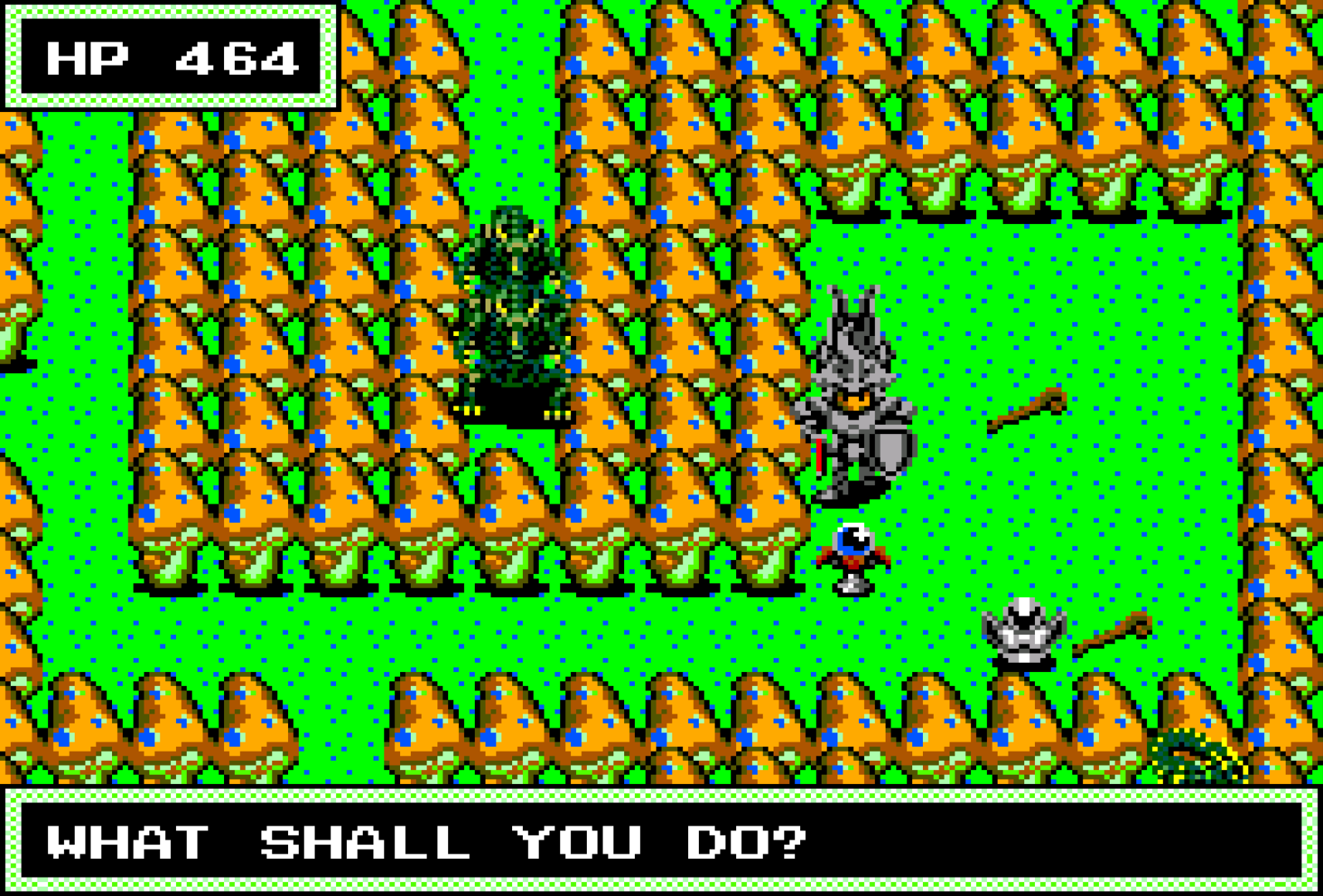
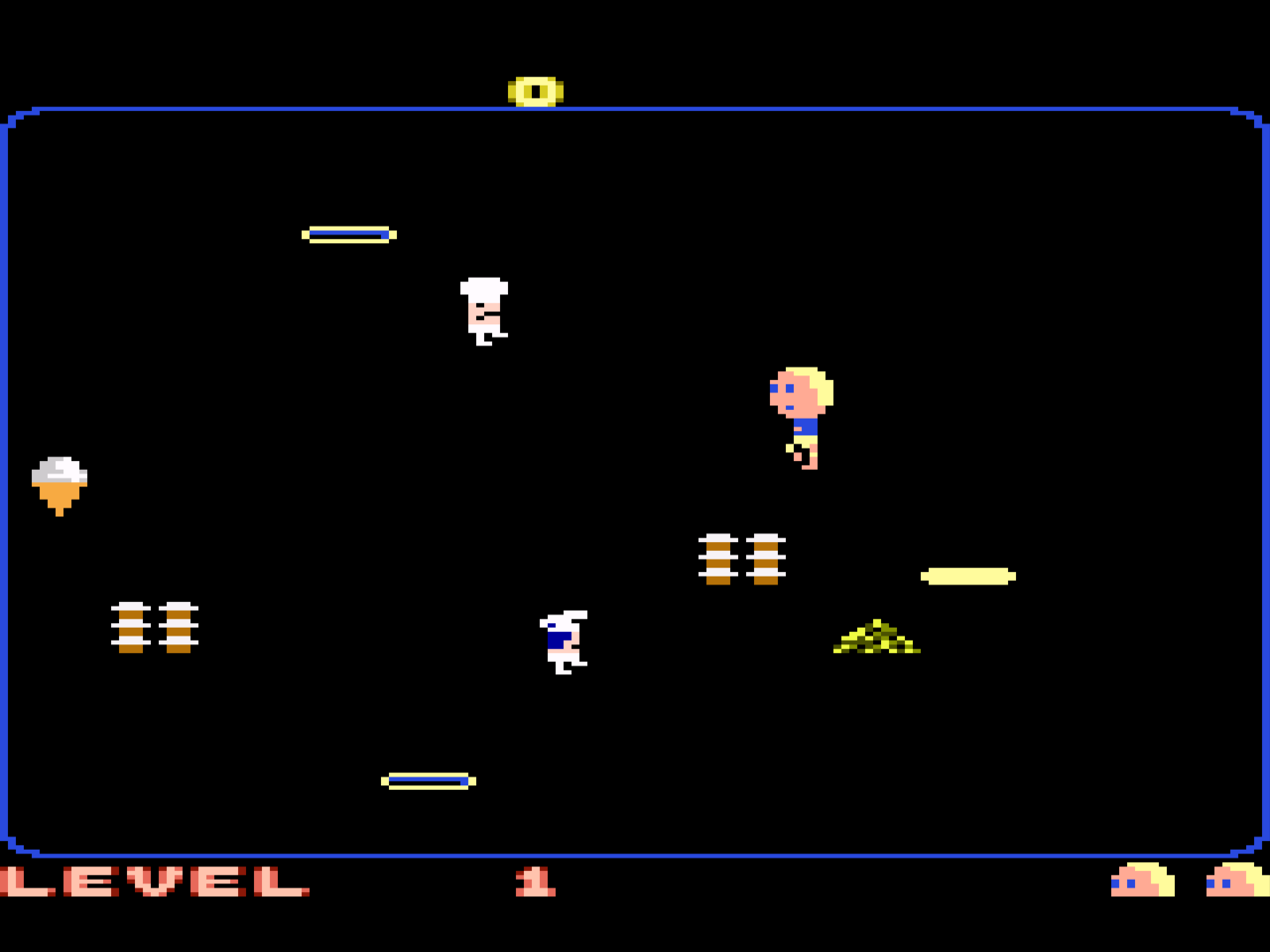
Given the many dozens of thousands of games, I’ve found a great many new titles (well, new to me) that I have come to love. It is a needle-in-haystack situation wherein most games are bland but there is much interesting stuff to be found.
Having essentially every retro game for every system, all playable with a nice modern controller like the Dualshock 5, is quite luxurious.
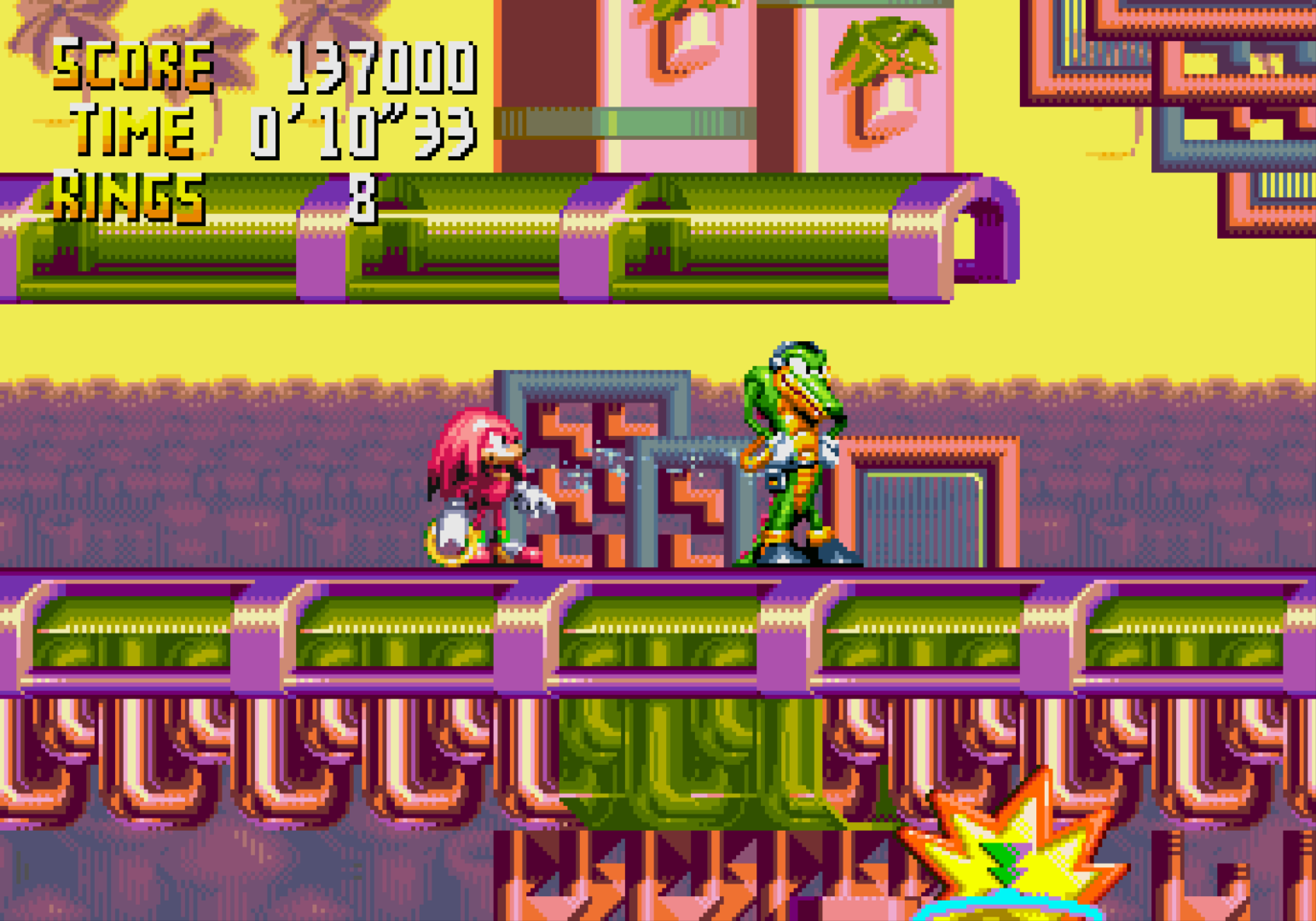
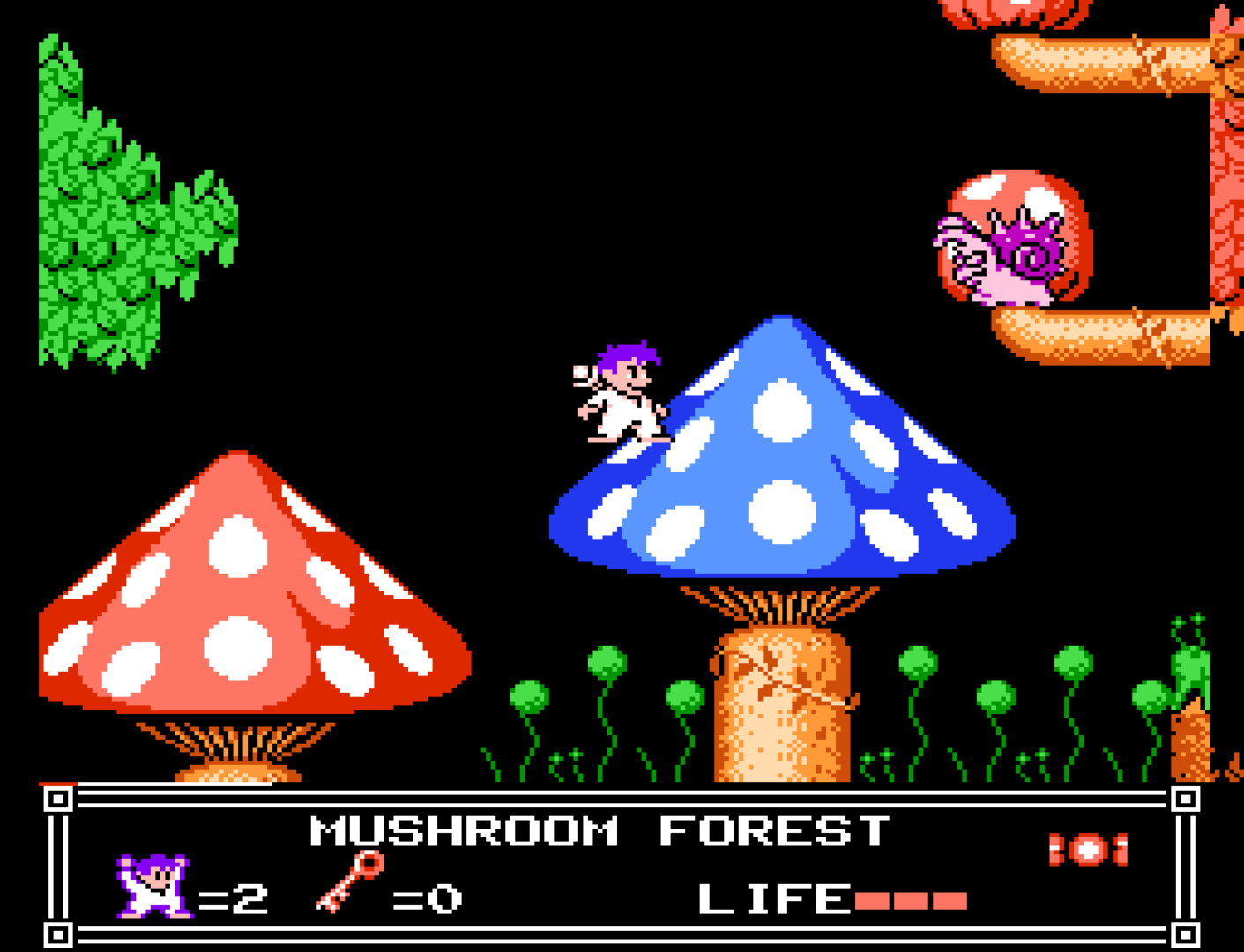
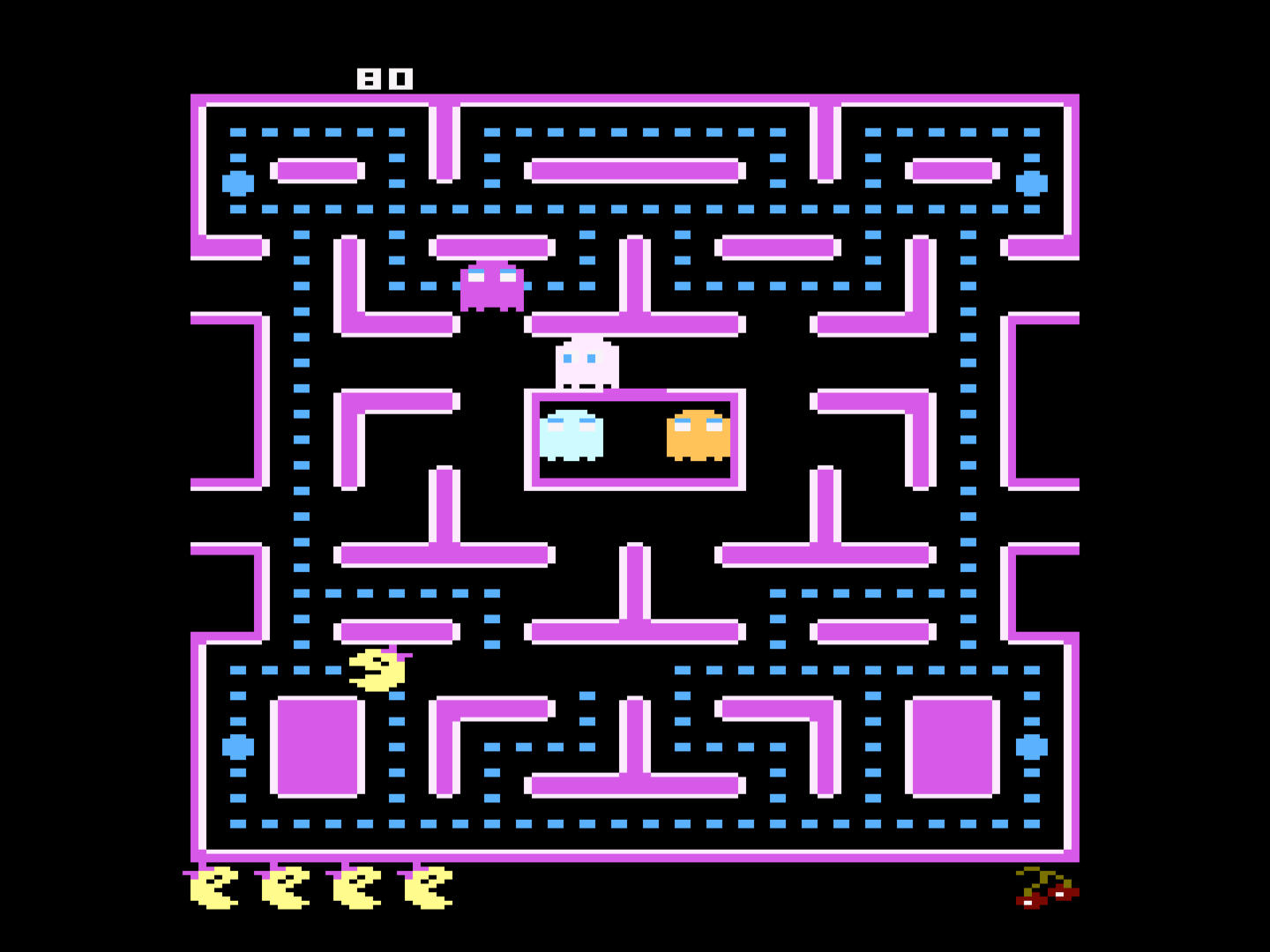
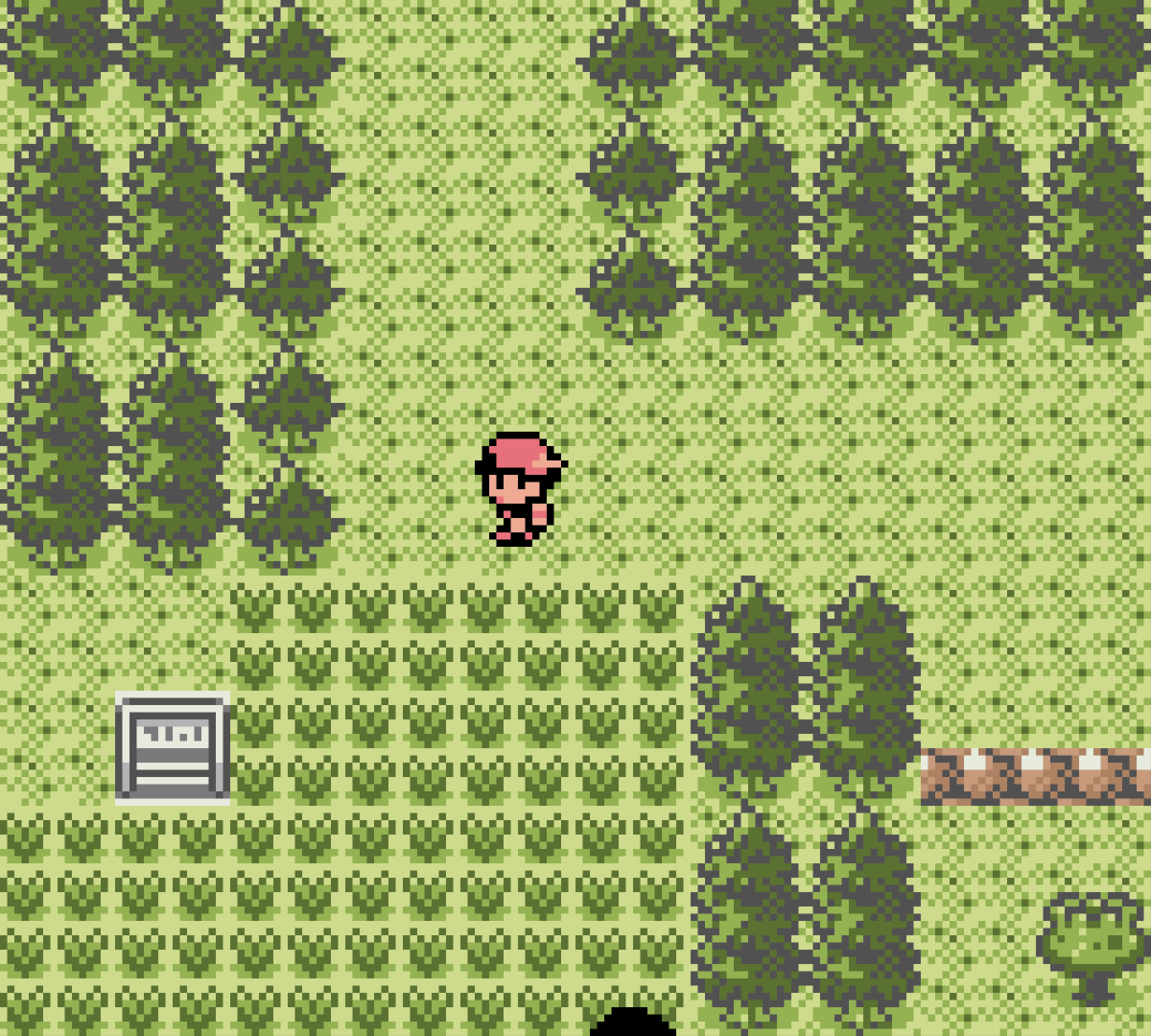
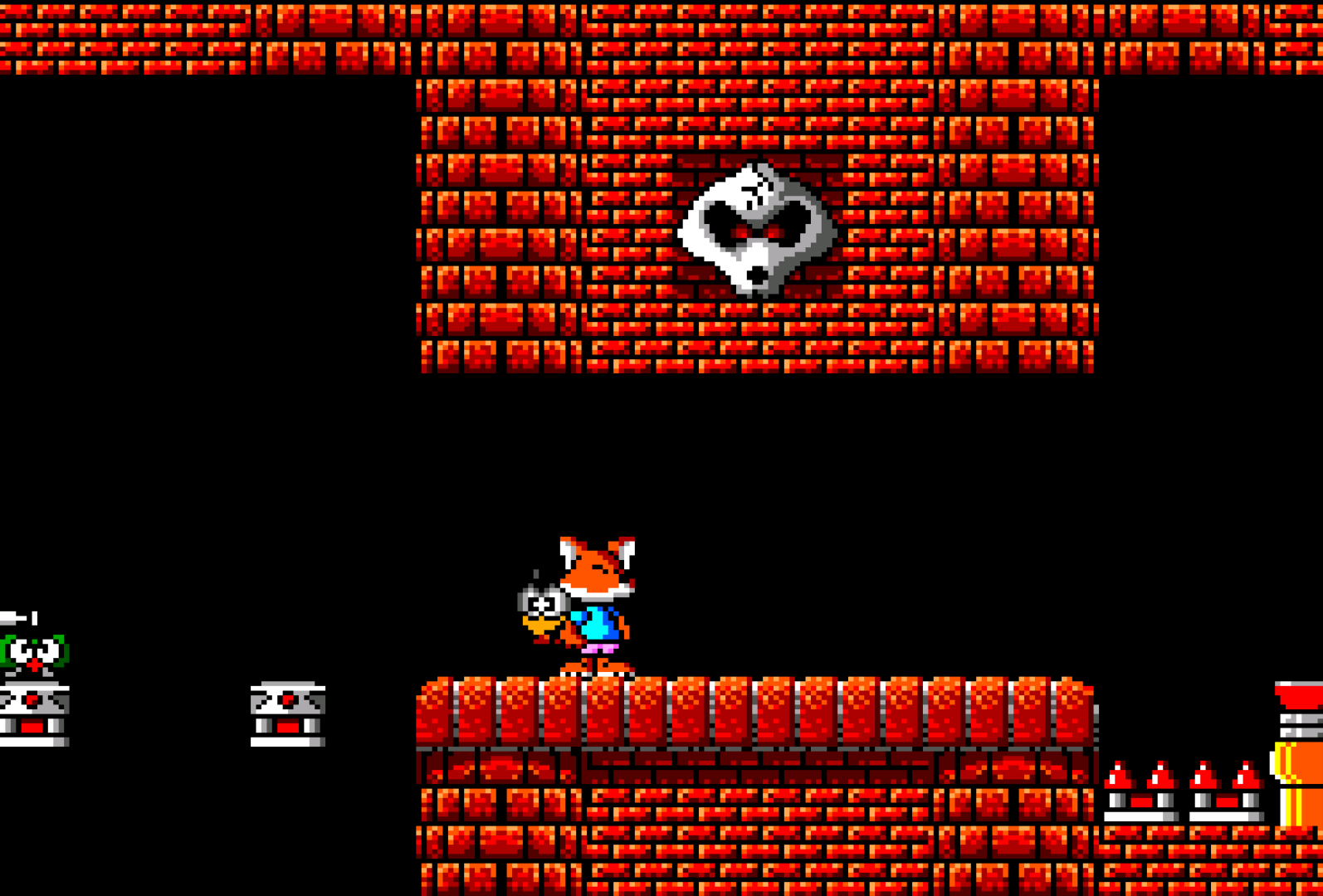
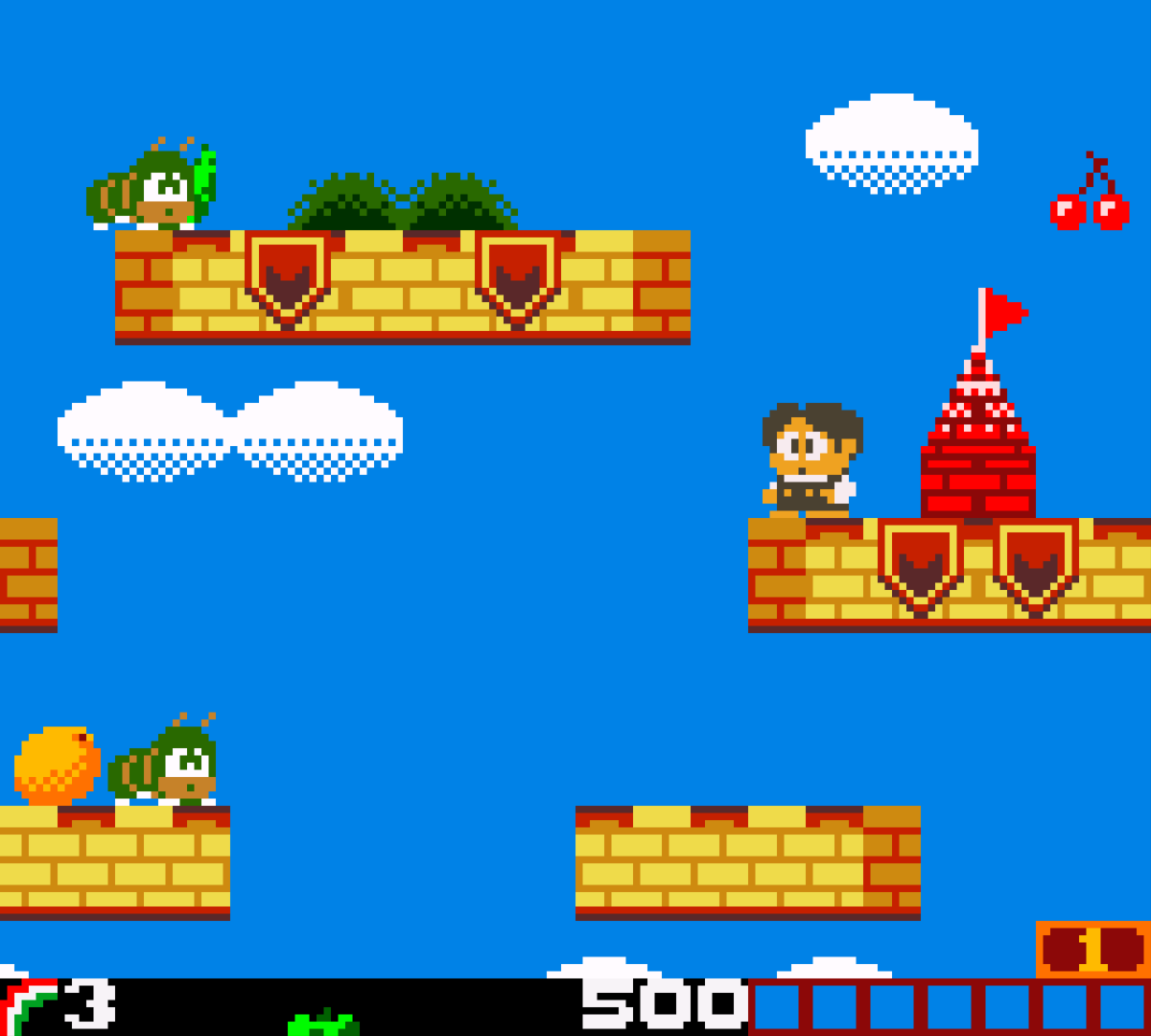
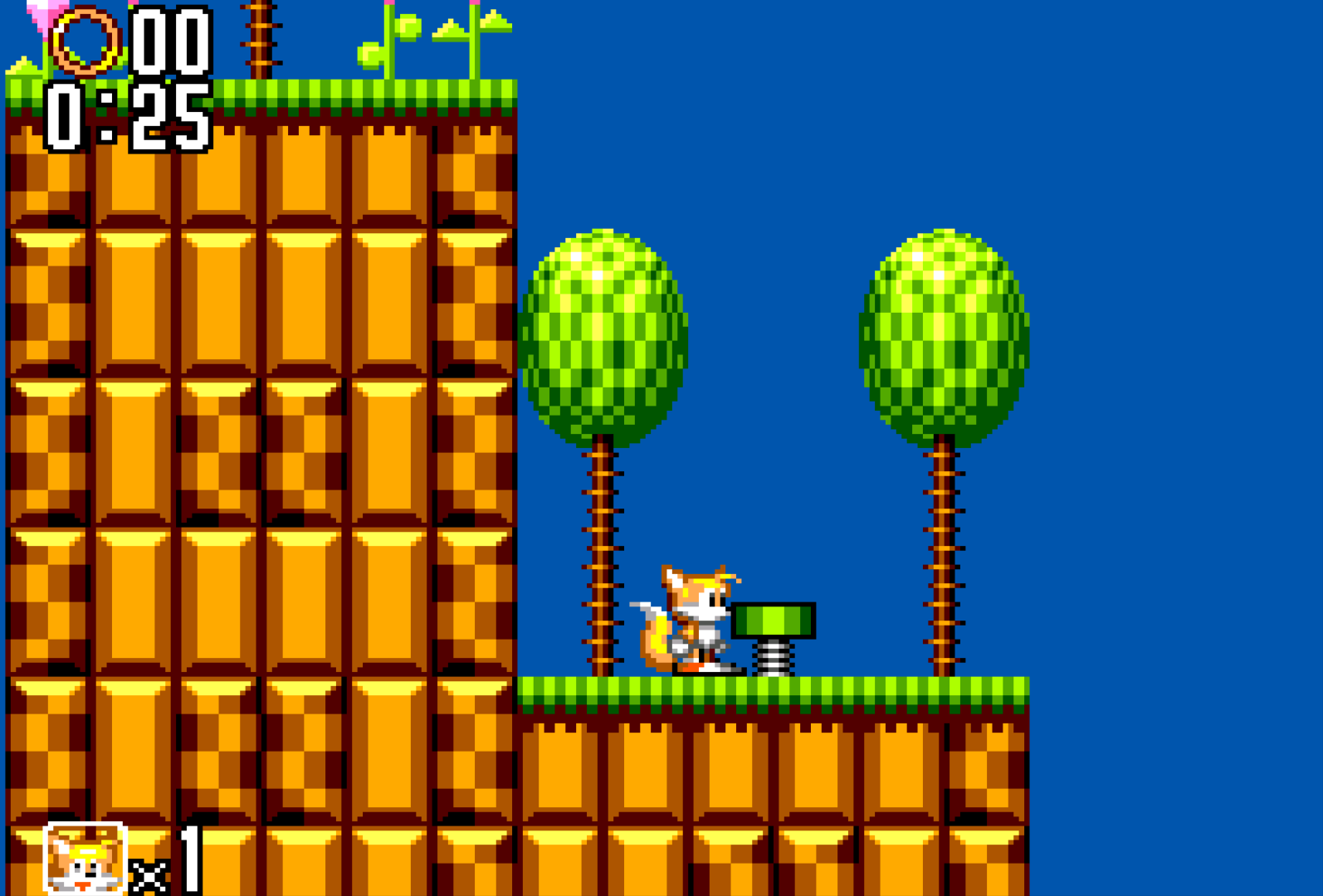
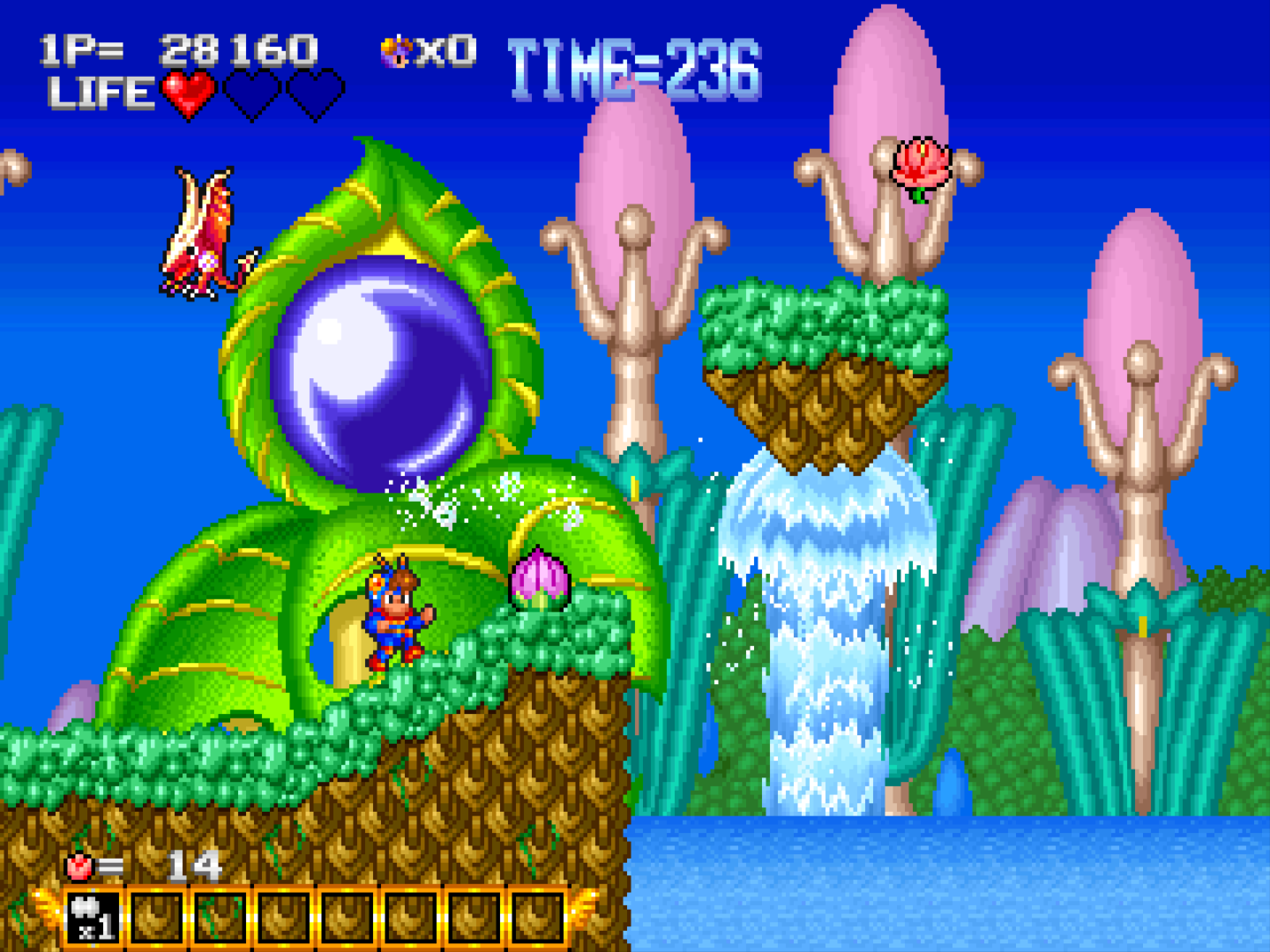
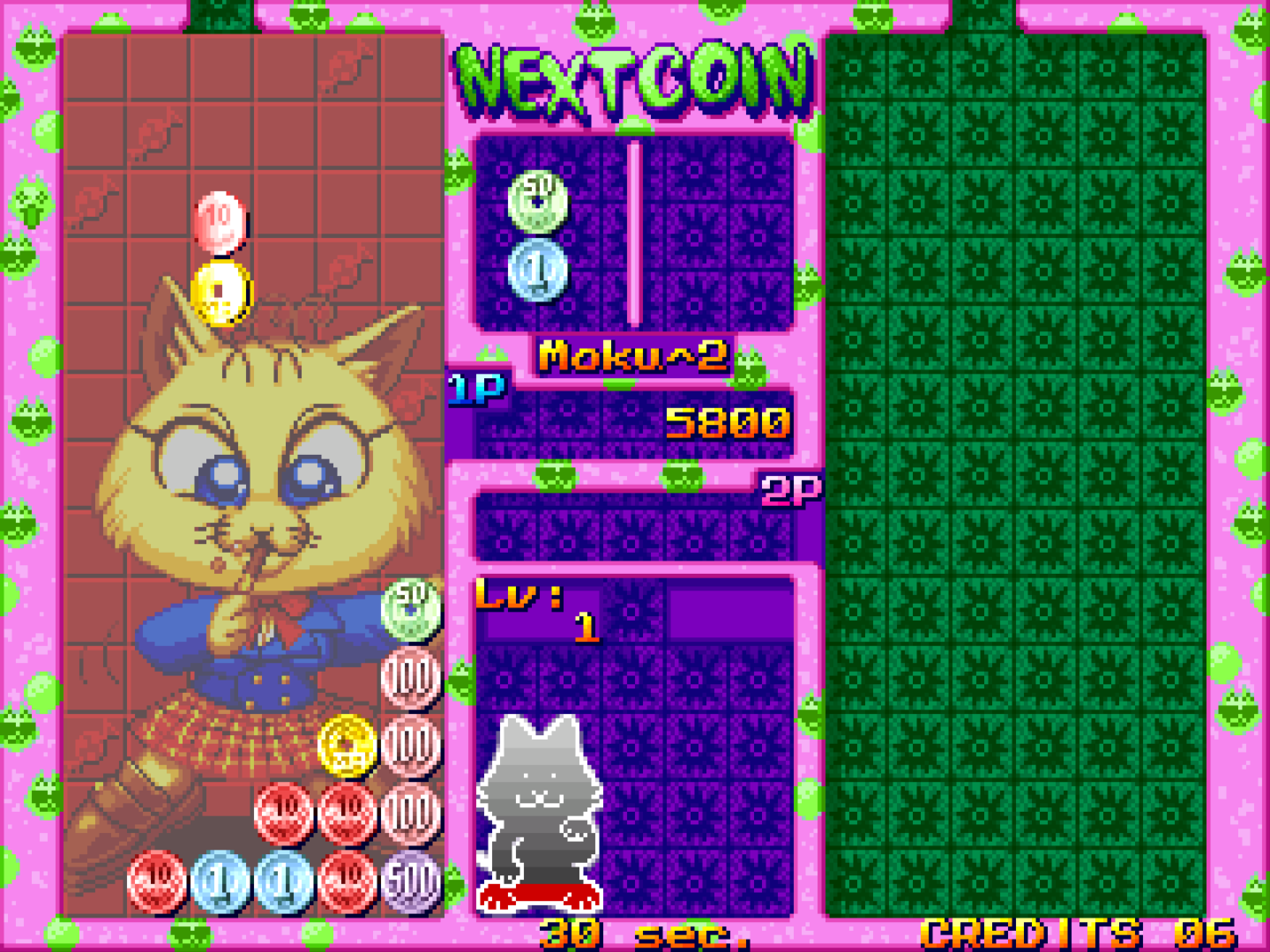
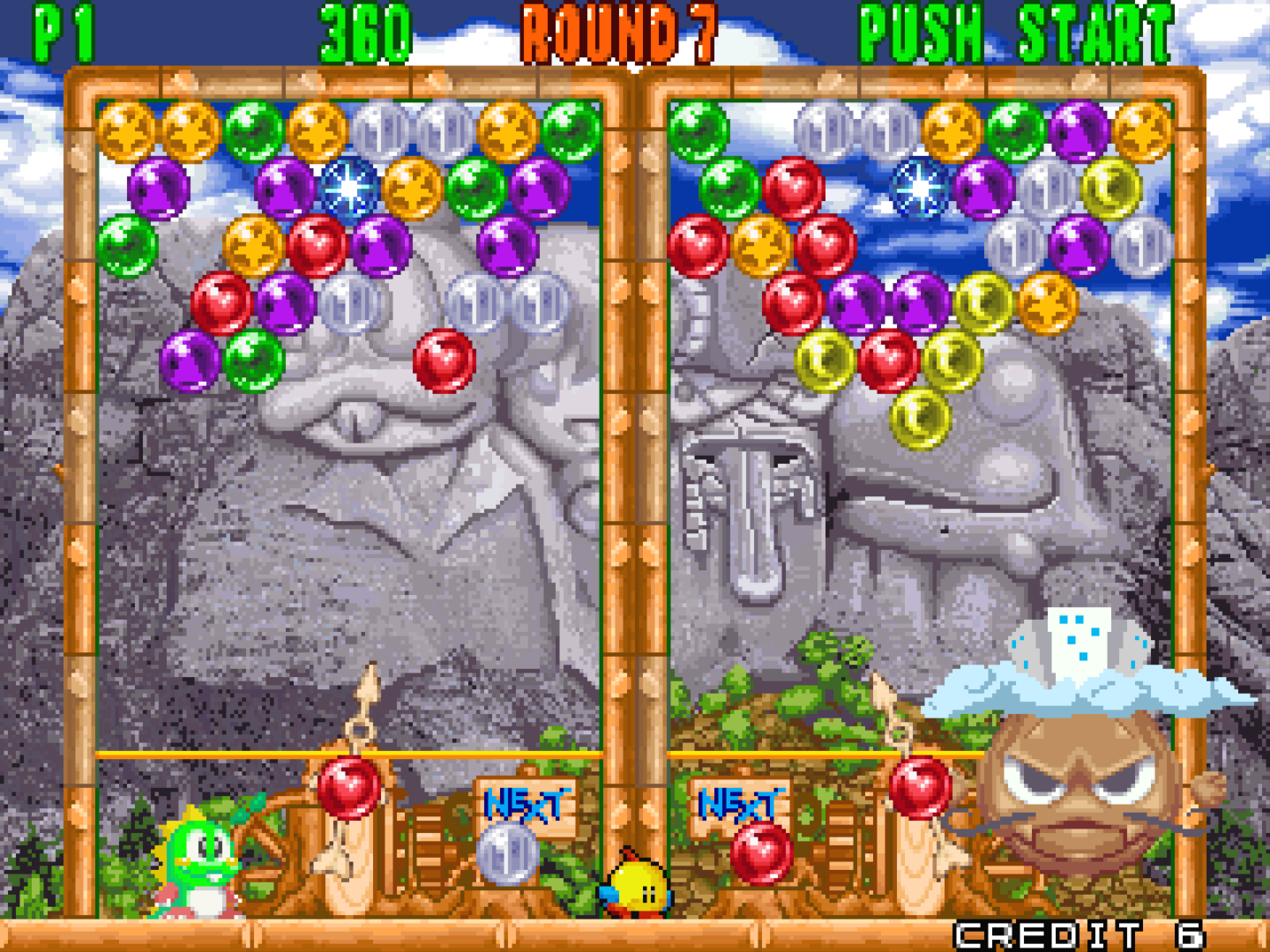
A selection of some of the many games I have enjoyed:
>> Home